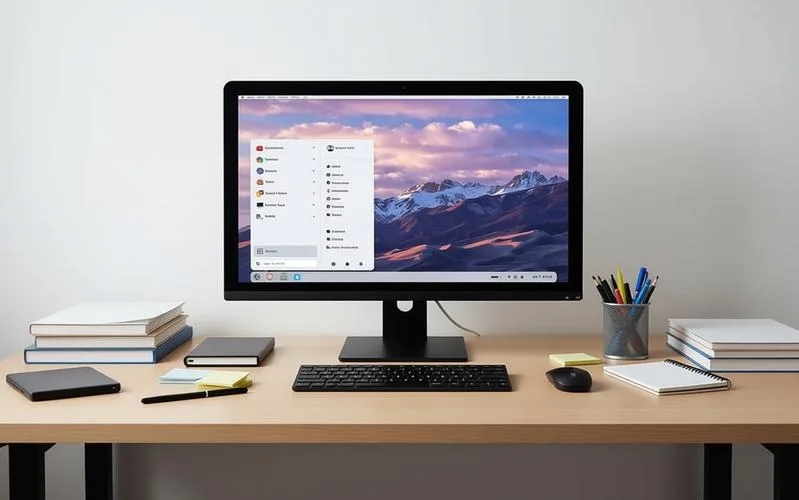
I wrote recently about moving to Linux and why it has become a more realistic option for people who are fed up with Windows getting in the way. Zorin OS 18.1 is not the distro I use day to day, but it is one I can see as a very sensible starting point for people making that switch.
That is really the point here. This is not a post trying to sell Zorin as the one true answer. It is more about what its latest release says about desktop Linux in general. Zorin is worth paying attention to because it keeps aiming at the part of the market that still matters most: people who want a normal desktop and do not want a fight.
Zorin OS 18.1 landed on 15 April and is based on Ubuntu 24.04 LTS. The changes are sensible rather than flashy: better detection for Windows apps, smoother window tiling, improved support for right-to-left languages, and a Lite edition for older or less powerful hardware.
The app detection is the obvious headline for anyone coming from Windows. One of the biggest sticking points in a Linux switch is software uncertainty. What replaces this? Will that app work? Do I need a workaround or not? Zorin is trying to take some of that pressure away, and that is genuinely useful for beginners.
The tiling improvements matter for the same reason. A desktop should feel predictable. If window management is awkward, you notice it constantly. If it works well, you stop thinking about it. That kind of polish is what makes a system feel calm rather than fiddly, and there is value in that even if it does not sound exciting.
The Lite edition is another sensible move. Not every machine needs a heavy desktop environment, and not every user wants one. There is still a lot of perfectly usable older hardware out there, and a lighter edition gives it a better chance of staying useful instead of being binned because modern operating systems have become bloated and needy.
The right-to-left language support is a smaller detail, but it says something about the project’s mindset. Zorin is not just building for the usual English-speaking Linux bubble. It is paying attention to the details, and that is often what makes a distro stand out even when the headline features are fairly modest.
I have used Zorin before, many years ago, on an old laptop. It did exactly what I needed at the time: simple browsing, file editing, no drama. That is not a glamorous use case, but it is a useful one. In a lot of ways, that still seems to be the sort of thing Zorin does well. It gets out of the way and lets the machine do machine things.
That does not mean I use it now, or that I would tell everyone to switch to it without thinking. I would not. But I can absolutely see why it stands out. It does something important: it makes the Linux desktop feel less like a compromise and more like something you could genuinely recommend without much hesitation.
That is not because Zorin is magic. It is not. It will not solve proprietary software problems, it will not make every game work, and it will not erase anti-cheat nonsense or Windows-only workflows. If your setup depends on those things, you still need to be realistic about the limits of any Linux distro.
But Zorin does manage to do one very important thing well. It makes Linux feel approachable without making it feel dumbed down. That is a harder balance than it looks. Too many distros either assume too much or try too hard. Zorin lands in a more sensible place. It gives people a familiar starting point, then quietly proves that Linux does not have to feel like a trade-off.
That is why it stands out.
Not because it is the most technical distro. Not because it is the most powerful. Not because it is the most customisable. It stands out because it understands what a lot of people actually want from a desktop: something steady, something familiar, and something that does not waste their time.
And if you are already thinking about moving away from Windows, that matters quite a lot. Sometimes the best first step is not the boldest one. It is the one that feels familiar enough to use, while still pointing you somewhere better.